


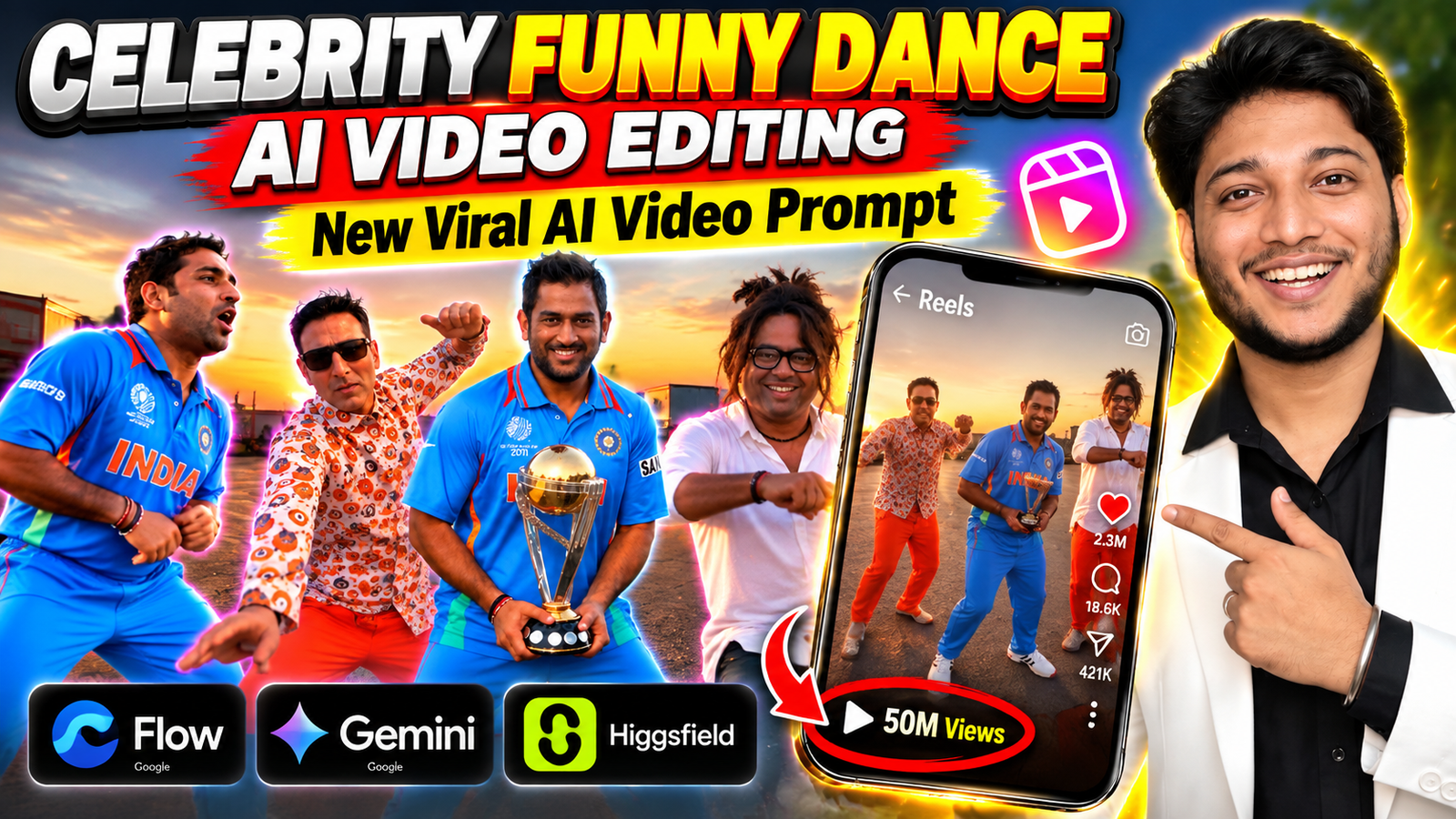
Aajkal AI ki help se photo ko video mein convert karna kaafi popular ho gaya hai. Instagram Reels, YouTube Shorts aur Facebook par aapne bhi aise videos dekhe honge jahan normal photos wale log funny dance karte hue nazar aate hain.
Kabhi ek simple photo ko cinematic video mein badal diya jata hai, kabhi 2–3 alag photos ko ek hi scene mein la diya jata hai aur kabhi AI ki help se logon ko funny dance karte hue dikhaya jata hai.
Isi type ka ek interesting trend hai Celebrity Funny Dance AI Video.
Isme aap apni photo ke saath apne friends ki photos use karke ek funny dance video bana sakte ho. Aur agar aap kisi celebrity ke saath aisi video banana chahte ho, to apni photo ke saath unki photo bhi reference ke liye use kar sakte ho.
Is type ki viral AI video banane ke liye aap Google Flow, Google Gemini ya Higgsfield jaise AI video tools try kar sakte ho. Har tool ka interface thoda alag ho sakta hai, lekin basic idea almost same hai — apni photos do, reference video do, prompt likho aur AI se video banane ki koshish karo. (Google Labs)
Aajkal Google Flow, Gemini aur Higgsfield jaise AI tools se photo ko video mein convert karna aur kisi existing video ki movement ko use karna kaafi easy ho gaya hai. Aap apni photos aur reference video upload karke AI ko bata sakte ho ki aapko kis type ka video chahiye. Google Flow aur Gemini mein image/video references ke saath video banane aur edit karne ke options milte hain, jabki Higgsfield mein reference video ki movement ko apni image ke character par apply kar sakte ho. (Google Labs)
Is article mein hum step-by-step dekhenge ki viral AI dance video banane ke liye kya chahiye, reference dance video kahan se milega, account kaise ready karna hai, kaunsa AI platform use kar sakte ho aur kaunsa AI video prompt use karke ye funny video try ki ja sakti hai.
Follow on InstagramCelebrity Funny Dance AI Video Kya Hai?
Simple language mein bolein to ye ek aisi AI video editing technique hai jisme aap photos ko ek funny dance scene mein convert karte ho.
Maan lo aapko ek video banani hai jisme aap aur aapke do friends ek saath funny dance kar rahe hain. Aap teenon ki clear photos ko reference ke taur par use karke AI se video banane ki koshish kar sakte ho.
Agar aap kisi celebrity ke saath video banana chahte ho, to apni photo ke saath us celebrity ki photo bhi use kar sakte ho.
AI aapke diye gaye photos, reference video aur prompt ko samajhkar ek naya video create karta hai.
Har baar result bilkul same aaye, ye zaroori nahi hai. Kabhi movement thoda alag ho sakta hai, kabhi expression change ho sakta hai aur kabhi face mein bhi halka difference aa sakta hai.
Isliye first attempt perfect na aaye to tension lene ki zarurat nahi hai. Prompt mein chhota change karke dobara try kiya ja sakta hai.
Viral AI Video Banane Ke Liye Kya Chahiye?
Is type ki viral AI dance video banane ke liye aapko mainly 3 cheezein ready rakhni hongi.
1. Teen Logon Ki Clear Photos
Sabse pehle un teen logon ki clear photos ready rakho, jinhe aap video mein dikhana chahte ho.
Agar aap apne doston ke saath video banana chahte ho, to apni ek photo aur apne do doston ki photos use kar sakte ho.
Aur agar aap kisi celebrity ke saath video banana chahte ho, to apni photo ke saath jis celebrity ko video mein dikhana hai, unki photo bhi use kar sakte ho.
Matlab simple hai — video mein jitne log dikhane hain, un sabki clear photos ready rakho.
Koshish karo ki photos mein face clearly dikh raha ho. Bahut blurry ya low-quality photo se AI ko person ka face samajhne mein dikkat aa sakti hai.
2. Ek Short Reference Dance Video
Iske baad aapko ek short dance video chahiye, jiske movement ko aap apni AI video mein use karna chahte ho.
Maine aapke liye ek reference dance video bhi ready rakha hai, jise aap article mein thoda aage diye gaye download option se easily download kar sakte ho.
Video download karke phone mein save kar lo. Baad mein isi video ko AI video tool mein reference ke taur par use karna hai.
Agar aap apni pasand ka koi doosra dance video use karna chahte ho, to wo bhi kar sakte ho. Bas video clear hona chahiye aur dance movement easily samajh aana chahiye.
3. Ek AI Video Platform
Last mein aapko ek AI video platform chahiye jahan photos, reference video aur prompt ka use karke video banayi ja sake.
Iske liye aap Google Flow, Google Gemini ya Higgsfield jaise tools try kar sakte ho.
Reference Dance Video Kaise Choose Karein?
Agar aap mera diya hua reference video use kar rahe ho, to alag se koi video search karne ki zarurat nahi hai.
Bas Download Reference Dance Video button par click karke video download kar lo aur phone mein save kar lo.
Ye video AI ko dance movement samjhane ke liye use hoga.
Agar aap apni taraf se koi doosra video use karna chahte ho, to simple aur clear dance movement wali video choose karo.
Bahut blurry, dark ya bahut fast movement wali video se result kabhi-kabhi aapke hisaab se nahi aa sakta.
Agar aap 3 logon ki funny dance video bana rahe ho, to aisi reference video lena useful ho sakta hai jisme multiple people ka movement clearly samajh aa raha ho.
Google Flow Se AI Dance Video Kaise Banaye?
Is type ki video banane ke liye Google Flow ek option hai. Google ke according, Flow mein text, image aur video references ke saath AI video create aur edit karne ke options available hain. (Google Labs)
Video banana start karne se pehle Google account se sign in karna hoga.
Agar aapke paas pehle se Gmail account hai, to usi Google account se login kar sakte ho. Agar account nahi hai, to pehle Google account bana lo.
Google account ready hone ke baad Google Flow open karo aur new project start karo.
Ab apni teenon photos add karo. Agar aap apne do friends ke saath video bana rahe ho, to apni photo + dono friends ki photos use karo.
Agar celebrity ke saath video banana hai, to apni photo ke saath required celebrity ki photo use karo.
Uske baad upar diya gaya reference dance video bhi add karo.
Ab prompt mein clearly batao ki teenon logon ko reference video ke movement jaisa funny dance karna hai.
Google Flow Ke Liye Account Kaise Ready Karein?
Agar aapke paas pehle se Google/Gmail account hai, to normally usi account se Google Flow mein sign in kar sakte ho.
Agar Google account nahi hai, to pehle Google account bana lo.
Simple process:
- Google Account sign-up page open karo.
- Apna naam aur required details enter karo.
- Ek Gmail address choose karo.
- Strong password set karo.
- Google ke verification steps complete karo.
- Account banne ke baad Google Flow open karke Sign in with Google se login karo.
Google Flow ki current availability aur features account, subscription, platform aur region ke according change ho sakte hain. Google ki official Flow page par current availability aur plans check kiye ja sakte hain. (Google Labs)
Ab Google Flow Mein Kya Karein?
Account se login ke baad Google Flow open karo aur New Project start karo.
Ab apni teenon photos add karo.
- Friends video: apni photo + friend 1 + friend 2
- Celebrity video: apni photo + celebrity + third person, agar zarurat ho
Uske baad upar diya reference dance video add karo.
Google Flow mein reference images/videos ke saath video creation aur editing workflows available hain. (Google Labs)
Ab prompt box mein AI video prompt paste karo.
Google Gemini Se AI Dance Video Kaise Banaye?
Agar Google Flow use nahi karna chahte, to Google Gemini bhi try kar sakte ho.
Gemini mein video generation ke liye Google account se sign in karna hota hai. Google ke current help page ke according, video generation ke liye eligible personal account ke saath Google AI plan ki requirement ho sakti hai, isliye feature har account mein same tarah available ho, ye zaroori nahi hai. (Google Help)
Agar account nahi hai, pehle Google account bana lo.
Login ke baad Gemini mein Video option available hai ya nahi check karo.
Current Gemini workflow mein images aur video references add karke prompt ke through video generate ki ja sakti hai. Google ke official documentation ke mutabik, ek video aur up to five images upload ki ja sakti hain. (Google Help)
Aap yahan:
- Apni photo
- Friend 1 ki photo
- Friend 2 ki photo
- Reference dance video
add karke prompt enter kar sakte ho.
Uske baad video generate karo.
Agar first result perfect nahi aata, to Gemini mein prompt ke through further edits bhi try kiye ja sakte hain. (Google Help)
Higgsfield Se AI Dance Video Kaise Banaye?
Google Flow aur Gemini ke alawa Higgsfield bhi try kar sakte ho.
Higgsfield ke current AI video tools mein image, video aur reference-based workflows available hain. Iske kuch workflows reference video ke motion, camera movement aur timing ko use karne ke liye bhi designed hain. (Higgsfield)
Agar main focus reference dance video ke movement par hai, to reference-video ya motion-control wala workflow choose karo.
Photos/reference media add karo, movement ke baare mein prompt mein clearly batao aur video generate karo.
Simple language mein: Google Flow, Gemini aur Higgsfield teeno par AI video workflow try kar sakte ho, lekin buttons aur available features same nahi honge.
Higgsfield ke available models aur tools bhi time ke saath change ho sakte hain, isliye generation ke time jo current options dikh rahe hain, unke according workflow choose karo. (Higgsfield API)
Viral AI Video Dance Video Prompt
Ab aate hain sabse important part par — AI dance video prompt.
Neeche wala prompt aap apni requirement ke according use ya edit kar sakte ho:
Use @vid1 as the exact reference for camera movement, framing, shot order, cut timing, choreography, background, weather, lighting and audio sync. Keep the same cut points and whip-pan transitions as @vid1 (6.7s, 9.0s, 11.0s, 15.5s, 19.0s). Do not add, remov shift any cuts, and do not add fades or new transitions. Copy every dance step, hand gesture, head tilt, facial expression, timing and energy exactly from @vid1, frame by frame. Recreate the video shot for shot with one change only: exchange the three performers for the three people in @img2, Qimg1 and @img3. CHARACTERS: – Person 1 (0.0-6.6s) is the man in @img1, in the position of the man in the white polo. – Person 2 (6.9-9.0s and 19.0-21s, selfie shots) is the man in @img3, in the position of the e bucket hat. man in the – Person 3 (11.0-18.7s) is the man in @img2, in the position of the woman by the car. Each person keeps the face, hair, skin tone, body type and clothing from their own photo, and stays consistent in every frame, including during fast motion. Body language and energy copy the original performers. SHOTS: 1. 0.0-6.6s, Person 1: wide, slightly low, handheld frame on an empty asphalt lot. He starts side-on with a hand on his hip, turns to camera, does chest-tap pulses, shoulder shrugs and a loose bounce while lauahina. At about 5.3s his arms swing wide. then both rise overhead with wrist flicks and a twisting wave. The camera whips down and away at 6.7s. 2.6.9-8.9s, Person 2: selfie shot, arm extended, dutch-angle tilt, free hand raised by his head making a hand-sign. He sways to the beat, laughs, then swings the camera arm into a whip-pan at 9.0s. 3. 9.0-10.9s: wide low shot of a matte grey BMW M8 Gran Coupé with a black BMW beside it. Person 3 steps out of the open car door. 4. 11.0-15.4s, Person 3: tight handheld close-up filling the frame, foggy green field behind. He looks around, glances aside, then breaks into a warm smile and laugh. 5. 15.5-18.7s, Person 3: full-body shot between the grey BMW and the black car. Hands clasped at waist, playful bounce, hip sway and side-steps to the beat. 6. 19.0-21s, Person 2: selfie shot, head tilted back, eyes closed, smiling, swaying. A whip-pan ends the clip. ENVIRONMENT: as in @vid1. Shots 1, 2, 6: golden hour, low warm sun behind a petrol station with a white and red stripe, deep blue sky with scattered clouds, yellow trucks far back, empty asphalt. Shots 3-5: thin evening mist over a green field, softer cooler light. pale clouds, a power pole. Phone-camera look, wide-angle lens, natural handheld shake, real motion blur on the whips. 9:16, 21 seconds, 30 fps. Keep the original audio and sync every move to it. Avoid: different camera angles, different car, different weather, different location, changed choreography, simplified moves, extra cuts, added transitions, shot reordering, extra people, face drift, morphing faces, extra limbs, distorted hands, text overlays, subtitles, watermark, slow motion, cinematic color grade, stylization..

Agar Celebrity Ke Saath AI Video Banana Hai
Agar friends ki jagah celebrity ke saath AI dance video banana hai, process almost same hai.
Apni photo ke saath celebrity ki reference photo use karo.
Agar total 3 people video mein dikhane hain, to teenon ki photos reference ke liye ready rakho.
Prompt mein position bhi clear kar sakte ho.
Place the three people together in the same scene, keeping their positions clear and consistent throughout the video.Agar aap celebrity ki photo use karke AI video bana rahe ho, to AI tool ke rules ek baar check kar lena. Kisi aur ki photo use kar rahe ho, to usse use karne ki permission bhi honi chahiye. Google Gemini ki official guidance mein bhi doosron ki photos use karte waqt privacy aur copyright ka dhyan rakhne ko kaha gaya hai. (Google Help)
Teen Logon Ka Face Same Kaise Rakhein?
3 logon ke saath AI video mein faces mix ya change ho sakte hain.
Isliye prompt mein clearly likho ki each person ka face apni reference photo ke according same rahe.
Keep each person's original face and facial features consistent with their own reference image. Do not mix, swap or replace their identities.Agar face change ho raha hai, to clear aur front-facing photos use karke dobara try karo.
Ek hi photo mein bahut zyada people hone ke bajay individual clear reference photos dena bhi useful ho sakta hai.
Funny Dance Ko Natural Kaise Rakhein?
Kabhi AI movement ajeeb bana deta hai. Hands ya legs natural nahi lagte ya teenon logon ki timing match nahi hoti.
Aise mein prompt ko thoda simple rakho.
Keep the dance movements simple, smooth, natural and well coordinated between all three people.Complicated dance steps se first attempt perfect na aaye, isliye pehle simple movement se start karna better rahega.
Select the Right Video Size
Video banane se pehle decide karo ki aap ise kahan upload karne wale ho.
Instagram Reels aur YouTube Shorts ke liye vertical format useful rahega.
Agar AI tool mein aspect ratio select karne ka option milta hai, to apne platform ke according format choose karo.
Gemini ke current video workflow mein aspect ratio control available hai, aur uploaded reference content ke basis par aspect ratio behavior bhi change ho sakta hai. (Google Help)
First Attempt Perfect Na Aaye To?
Tension lene ki zarurat nahi hai.
AI video mein first attempt par perfect result milna zaroori nahi hota.
Agar movement ajeeb aa raha hai, to movement simple karo.
Agar face change ho raha hai, to face consistency wali instruction add karo.
Camera ke liye:
Use smooth and stable camera movement.Aur teenon logon ki coordination ke liye:
Keep all three people dancing together with coordinated movements.Phir dobara generate karke dekho.
Ek Se Zyada Video Bana Kar Dekho
First output perfect hona zaroori nahi.
Agar tool multiple outputs ya multiple generations ka option deta hai, to different results compare karke dekh sakte ho.
Kabhi ek result mein movement better hota hai, kabhi face aur expressions better aa jate hain.
Isliye ek hi generation par depend karne ke bajay 2–3 variations try karna useful ho sakta hai.
AI Dance Video Banane Ke Baad Kya Check Karein?
Video generate hone ke baad seedha upload mat karo.
Ek baar video ko properly dekh lo.
Ye cheezein check karo:
- Face same hai ya nahi
- Hands aur fingers natural hain ya nahi
- Legs aur body movement normal hai ya nahi
- Clothes change to nahi ho rahe
- Teenon log ek hi scene mein properly dikh rahe hain ya nahi
- Dance movement reference ke according aa raha hai ya nahi
- Background mein koi unwanted object/person to nahi aa gaya
- Video mein sudden face ya body change to nahi ho raha
Agar koi ek problem milti hai, to next generation mein specifically usi problem ko prompt mein mention karo.
Caption Ideas for This AI Video
Agar video ready ho gayi hai, to caption bhi thoda fun rakho.
“AI ne humari dance skills ko kuch zyada hi serious le liya 😂🤖”
“Real life mein nahi, AI mein hi sahi! 😂”
“When AI decides to make us dance 😂🔥”
“3 Friends + AI + One Dance = 😂🔥”
“Ye dance dekha to AI par bharosa aur badh gaya 😂”
Aap apne video ke according caption ko aur personal bhi bana sakte ho.
Final Words
To dosto, Celebrity Funny Dance AI Video banana actually kaafi interesting AI experiment hai.
Aap apni photo + do friends ki photos use karke 3-person funny dance video bana sakte ho.
Agar celebrity ke saath video banana hai, to apni photo ke saath required celebrity ki photo ko reference ke taur par use kar sakte ho.
Mainly aapko 3 cheezein ready rakhni hain:
1. Teen logon ki clear photos
2. Ek short reference dance video
3. Ek AI video platform
Reference dance video maine isi article mein diya hai, isliye alag se video search karne ki zarurat nahi hai. Bas Download Reference Dance Video button par click karo, video save karo aur AI tool mein reference ke taur par use karo.
Aap Google Flow, Google Gemini ya Higgsfield try kar sakte ho. In platforms par available features aur access account, plan, region aur current product updates ke according change ho sakte hain. (Google Labs)
Aur haan, first attempt perfect na aaye to tension mat lena. AI video mein thoda trial-and-error normal hai.
Movement ajeeb hai? Prompt change karo.
Face change ho raha hai? Face consistency wali line add karo.
Dance boring lag raha hai? Funny expressions add karo.
Result better aane tak prompt ko thoda-thoda improve karte jao.
Bas isi tarah aap apni photos aur reference dance video ki help se ek interesting viral AI dance video try kar sakte ho.
Trending Keywords
- viral ai video
- viral ai dance video
- viral ai video dance video prompt
- AI video prompt
- AI dance video prompt
- New Viral AI Video Prompt
- Google Flow AI video
- Google Flow video prompt
- Google Flow AI video prompt
- Google Gemini AI video
- Gemini AI video prompt
- Higgsfield AI video
- celebrity AI video
- celebrity dance AI video
- funny AI video
- funny dance AI video
- viral AI video prompt 2026
- Google Flow viral video
- 3 people AI dance video prompt
- celebrity funny dance prompt
- viral dance video prompt
