


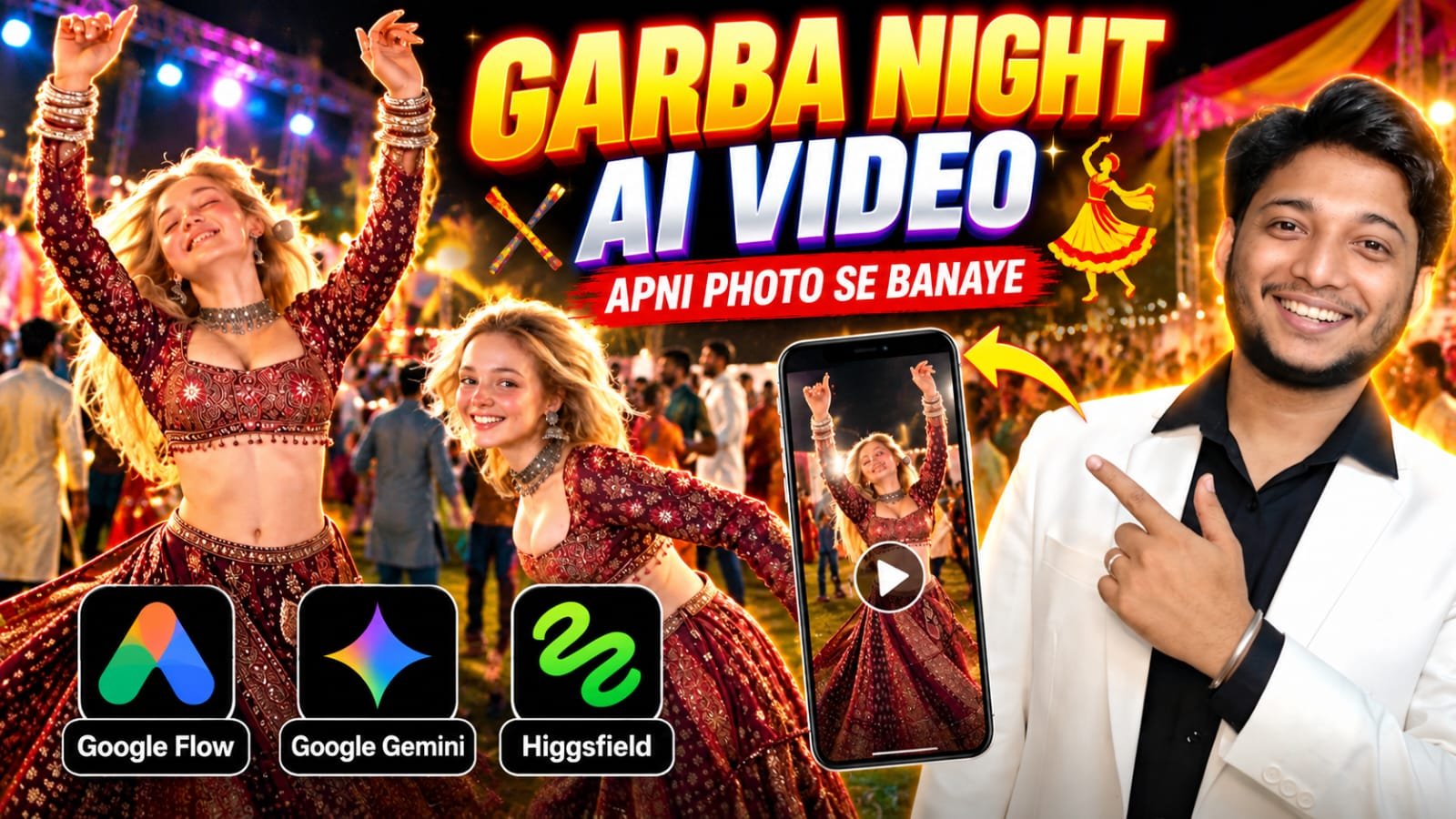
Bhai, Navratri ke time Garba Night ka apna hi alag maza hota hai! Colorful lehenga, traditional jewellery, chaaron taraf decorative lights aur music par Garba karte log—poora atmosphere hi festive ho jata hai.
Ab socho, agar tum apni ek normal photo se aisa video bana sako, jismein tum traditional outfit pehenkar Garba Night mein dance kar rahe ho aur background bilkul kisi real festival jaisa dikhe! Interesting hai na?
Is article mein hum Realistic Garba Night Dance AI Video banana seekhenge. Main tumhe Google Flow ka process, reference video download karne ka link aur ek detailed Garba Dance AI Video Prompt dunga, jise copy karke tum apna video generate karne ki koshish kar sakte ho.
Follow on Instagram1. Garba Night Dance AI Video Kya Hai?
Garba Night Dance AI Video ek AI-generated video hota hai, jisme kisi person ko traditional Garba outfit pehne Navratri celebration mein dance karte hue dikhaya ja sakta hai.
Aap apni photo ko reference ke roop mein use karke colourful festival background, traditional jewellery, realistic dance movements aur cinematic lighting wala video create karne ki koshish kar sakte hain. Isi tarah ke videos ko log AI dance video, photo-to-video AI aur Navratri AI video jaise terms se bhi search kar sakte hain.
2. Google Flow Se Garba Night AI Video Kaise Banaye?
Garba AI video banane ke liye aap Google Flow, Google Gemini ya Higgsfield try kar sakte hain. Lekin video create karne se pehle apna account set up karna zaroori hai.
AI Video Generator Par Account Kaise Banaye?
- Google Flow: Google Flow ki official website open karein aur available sign-in option se apne Google Account mein login karein.
- Google Gemini: Google Gemini open karein aur apne Google Account se sign in karein.
- Higgsfield AI: Higgsfield ki website open karein aur Sign Up ya available account-creation option follow karein.
- Login karne ke baad check karein ki aapke account mein video-generation feature available hai ya nahi.
- Agar tool paid plan ya credits maangta hai, toh generation start karne se pehle uski pricing aur limits check kar lein.
Google Flow Se AI Garba Video Kaise Banaye?
Google Flow mein aap text prompts aur supported visual references ki help se AI video create kar sakte hain. Iske liye ye steps follow karein:
- Google Flow mein apna project start karein.
- Apni ek clear photo upload karein.
- Agar aapke selected workflow mein supported hai, toh reference dance video ya additional image bhi add karein.
- Neeche diya gaya Garba AI video prompt copy karke paste karein.
- Video banane se pehle 9:16 wala vertical size select kar lein, taaki video Instagram Reels aur YouTube Shorts par achhe se dikhe.
- Generate par click karein aur result check karein.
Aap Google ke official Flow video creation guide mein images, references aur video-generation settings ke baare mein bhi padh sakte hain.
Google Gemini Se Garba AI Video Kaise Banaye?
Gemini mein login karne ke baad video-generation option check karein. Agar ye feature aapke account mein available hai, toh supported workflow mein apni photo upload karke Garba dance prompt enter karein. Feature access ke liye eligible plan ki zaroorat ho sakti hai. Details ke liye Gemini video generation guide dekhein.
Higgsfield AI Se Garba Dance Video Kaise Banaye?
Higgsfield par available image-to-video tools explore karein. Supported tool mein apni photo upload karein, motion describe karne wala prompt enter karein aur available settings ke according video generate karein. Aap Higgsfield Image-to-Video bhi explore kar sakte hain.
Kaunsa platform choose karein? Agar aap photo aur visual references ke saath experiment karna chahte hain, toh pehle Google Flow try kar sakte hain. Gemini aur Higgsfield bhi alternatives hain. Features aur results platform, model aur account access ke hisaab se alag ho sakte hain.
3. Select the Right Video Size
Instagram Reels, YouTube Shorts aur WhatsApp Status ke liye 9:16 vertical video ratio ek suitable choice hai. Isse video mobile screen par achhe se fit hoti hai.
Generate karne se pehle selected platform ki settings check karein, kyunki har tool mein available aspect ratios alag ho sakte hain.
4. Better Garba AI Video Banane Ke Liye Tips
- Clear photo upload karein, jisme face properly visible ho.
- Prompt mein traditional Garba dress, mirror-work aur festival lighting describe karein.
- Natural dance steps aur smooth camera movements mention karein.
- Reference video use kar rahe hain, toh prompt aur reference mein similar movements rakhein.
- Video generate hone ke baad face, hands aur outfit ko check karein.
5. Caption Ideas for This AI Video
Apni AI Garba dance video Instagram par share karte waqt ye captions use kar sakte hain:
Caption 1: Garba Night vibes with a touch of AI magic! ✨💃
Caption 2: Ek photo se festive AI transformation! ❤️
Caption 3: Navratri colours, traditional vibes aur AI creativity! 🌟
6. Common Mistakes to Avoid
Agar aapki photo clear nahi hai ya prompt sahi se nahi likha gaya hai, toh video achhi nahi banegi. Isliye simple aur clear prompt use karein. Video banne ke baad ek baar check kar lein ki face, dance aur background sahi dikh rahe hain ya nahi.
7. Reference Video Download Karo Aur Garba AI Prompt Copy Karo
Use the uploaded reference video as the PRIMARY visual and motion reference. Use the uploaded character photo as the ONLY identity reference for the main dancing person. OBJECTIVE: Recreate the reference video as faithfully as possible, replacing only the original female dancer with the person shown in my uploaded character photo. Preserve the reference video’s choreography, dance timing, body movements, camera behavior, environment, lighting, composition, and realistic visual style. CHARACTER IDENTITY: Use the exact identity of the person in the uploaded photo. Preserve their facial features, face shape, skin tone, hairstyle, hairline, and overall recognizable appearance. Do not create a different face or an unrelated person. Keep the character’s identity consistent throughout every frame, including during fast turns, side profiles, and full-body movements. REFERENCE VIDEO AND CHOREOGRAPHY: Follow the original reference video closely. Reproduce the same overall sequence of dance movements, including the energetic upper-body gestures, natural arm movements, rhythmic hip and shoulder movements, graceful turns, skirt movement, and expressive dancing. Match the original dancer’s movement timing, direction, rhythm, posture, and transitions as closely as the model allows. Preserve the original choreography rather than inventing a new dance routine. COSTUME AND APPEARANCE: Maintain the same general traditional Indian festive dance aesthetic as the reference video, including a richly detailed maroon and deep-red lehenga-style outfit, matching embellished blouse, flowing flared skirt, traditional jewelry, and realistic fabric movement. Adapt the outfit naturally to the person in the uploaded photo without altering their facial identity. The costume should move naturally with the body during spins and energetic dance movements. Preserve realistic fabric folds, embroidery, weight, and motion. ENVIRONMENT: Reproduce the same outdoor nighttime celebration atmosphere seen in the reference video. Include a grassy open area, a lively crowd of people dancing in the background, warm festival lighting, bright event lights, and a natural festive gathering. Keep the background populated with realistically moving people. Maintain believable spatial relationships between the main dancer and the surrounding crowd. Background people must remain secondary to the main character. CAMERA AND COMPOSITION: Match the original vertical 9:16 composition. Preserve the reference video’s handheld smartphone-video aesthetic, natural camera movement, framing, camera distance, perspective, and changes in viewpoint. Keep the main dancer clearly visible, with framing that naturally follows the dance. Reproduce the reference’s mixture of medium shots, full-body views, and views from different angles whenever they occur. Preserve the original sense of an authentic person being filmed at a real celebration. LIGHTING AND IMAGE QUALITY: Use realistic nighttime event lighting, bright point lights in the background, natural skin tones, realistic shadows, accurate exposure, and authentic smartphone-camera rendering. Avoid artificial studio lighting, excessive cinematic color grading, excessive sharpening, plastic-looking skin, artificial beauty filters, and an overly polished CGI appearance. REALISM AND MOTION: The final video must look like genuine live-action footage of a real person dancing at an outdoor celebration. Maintain realistic human anatomy, natural body proportions, physically plausible movement, believable foot placement, and consistent clothing. Ensure smooth transitions between dance poses, realistic hair movement, natural fabric physics, stable facial identity, and consistent body structure. STRICT RESTRICTIONS: – Replace only the original main dancer with the uploaded character. – Do not reproduce the original dancer’s face or identity. – Do not change the uploaded character’s recognizable facial features. – Do not introduce additional foreground characters. – Do not change the overall setting, dance atmosphere, or visual style. – Do not invent a different choreography. – Avoid face morphing, identity drift, distorted hands, extra fingers, duplicated limbs, warped clothing, floating feet, unnatural body movements, and flickering details. – Do not add subtitles, captions, logos, watermarks, or other graphic elements. FINAL RESULT: Create the closest possible faithful recreation of the reference video, with the uploaded person replacing the original dancer while preserving the original dance performance, festive nighttime environment, camera style, and realistic live-action appearance. Prioritize identity consistency, motion fidelity, natural human movement, and visual similarity to the reference footage.

Frequently Asked Questions (FAQs)
1. Garba Night Dance AI Video free mein kaise banaye?
Aap Google Flow, Google Gemini ya Higgsfield ke available free features aur credits check kar sakte hain. Free access aur video-generation limits aapke account aur platform ke plan par depend karte hain.
2. Photo se realistic Garba Dance AI Video kaise banaye?
Ek clear photo upload karein, Garba dance ka detailed AI prompt likhein aur agar supported ho toh reference video bhi add karein. Isse aap traditional outfit, festive background aur dance movements wala video generate karne ki koshish kar sakte hain.
3. Garba AI Video banane ke liye best platform kaunsa hai?
Google Flow, Google Gemini aur Higgsfield options hain. Agar aap images aur video references ke saath experiment karna chahte hain, toh Google Flow se shuru kar sakte hain. Best option aapki requirements aur available features par depend karega.
4. Instagram Reels ke liye Garba AI Video ka size kya hona chahiye?
Instagram Reels ke liye 9:16 vertical aspect ratio ek suitable choice hai. Video generate karne se pehle apne AI platform mein available aspect ratio settings check kar lein.
5. Kya AI video mein apna face same rakh sakte hain?
Prompt mein clearly likhein ki aapka face, hairstyle aur skin tone same rehna chahiye. Iske liye apni clear photo use karein, taaki AI aapke look ko achhe se follow kar sake.
8. Final Words
Agar aap apni photo se realistic Garba Night Dance AI Video banana chahte hain, toh Google Flow, Gemini ya Higgsfield ke available features try kar sakte hain. Ek clear photo, detailed prompt aur suitable reference se aap apne desired festive look ke kareeb result paane ki koshish kar sakte hain.
9. Related & Trending Keyword Ideas
- Garba Night Dance AI Video
- Garba Dance AI Video Prompt
- Google Flow AI Video Prompt
- Navratri AI Video Prompt
- AI Video From Photo
- Google Gemini AI Video Generator
- Higgsfield AI Video Generator
- Photo to Video AI
- Realistic Garba Dance Video
- Navratri Dance Video AI
- Garba AI Video Prompt
- AI Dance Video Generator
